XZ Mods 0.5.1-Beta
The XZ Mods manual
Every screen, control and setting XZ Mods adds to the XDJ-XZ. Pick your interface at the top and the manual shows only what applies to you.
- Start here
- On the player
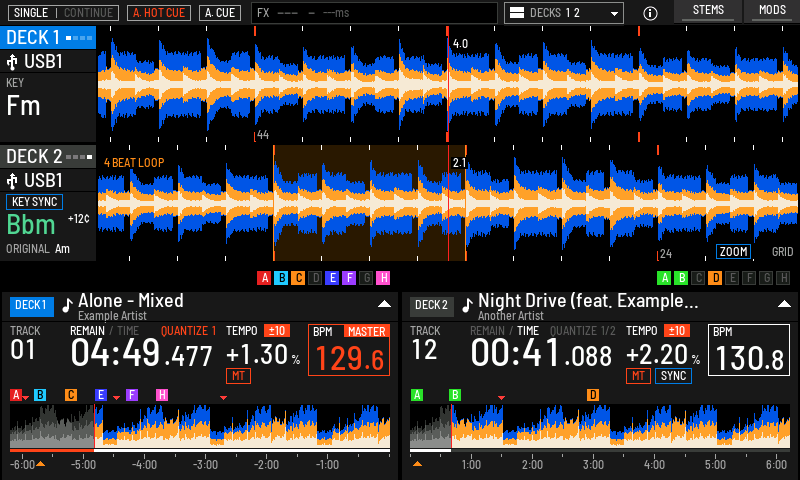 The play screenEvery part of the play screen in both interfaces: decks, waveforms, key, tempo, notices and the top bar.
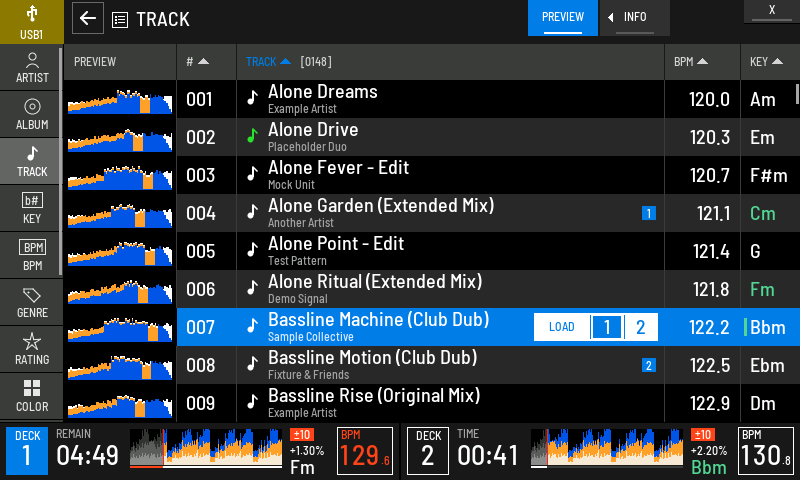 Browsing and loadingFinding tracks, search, filters, track info, tag lists, playlists and loading to any deck.
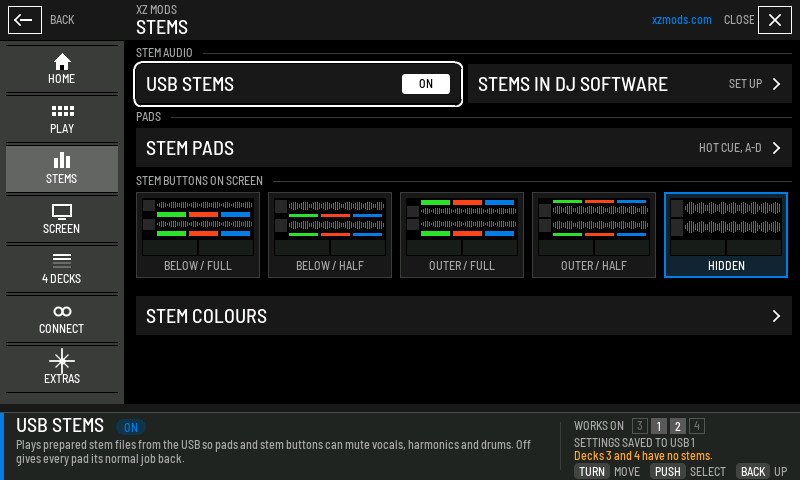 StemsMuting vocals, harmonics and drums live, stem layouts and pads, and how to prepare stems for a USB.
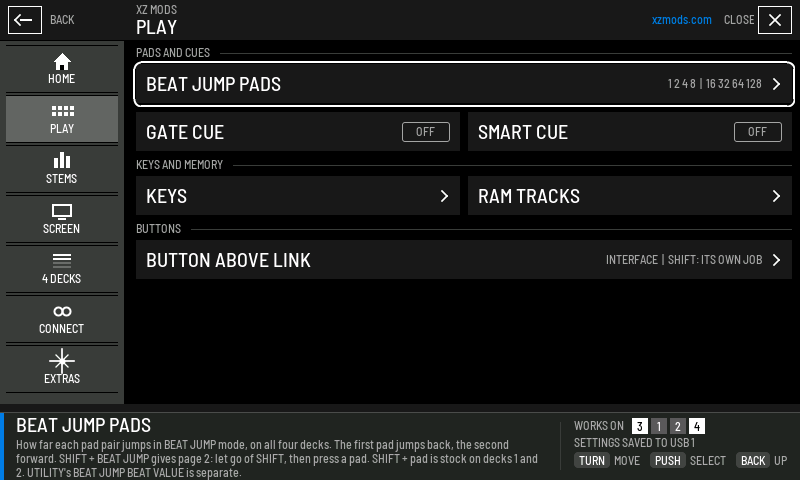 Beat jump and performance featuresBeat jump distances, gate cue, smart cue, key sync and RAM tracks.
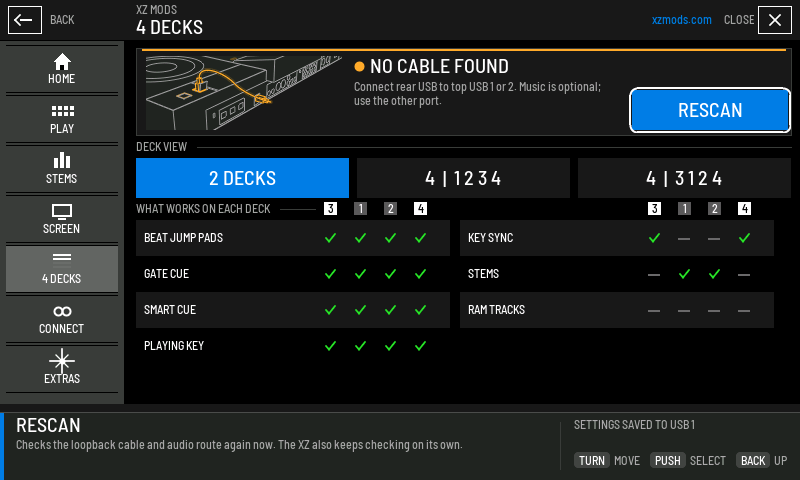 Four decksPlaying decks 3 and 4 over the loopback cable: setup, deck view, what decks 3 and 4 can do, and every status.
- MODS menu
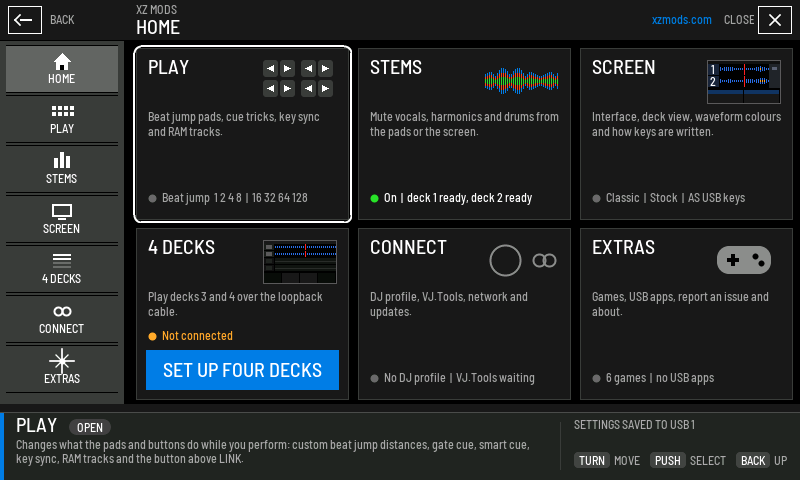 The MODS menuHow to open MODS, move around it with the encoder or touch, and what is on every section page.
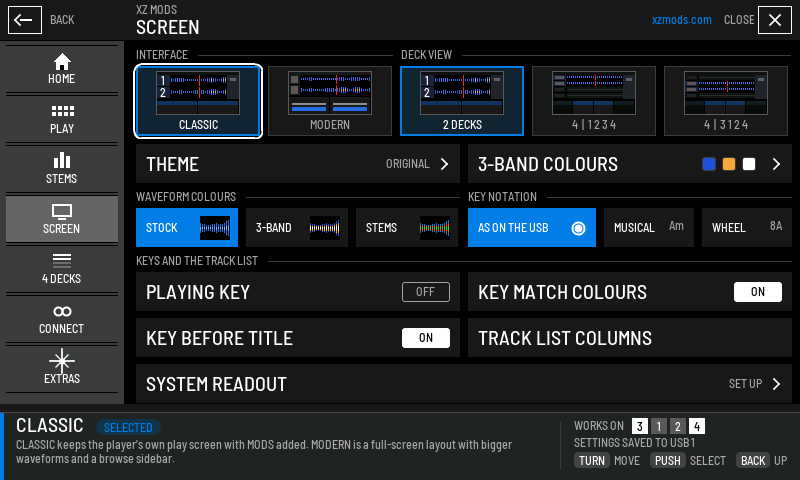 Screen, interfaces and themesMODERN or CLASSIC, the 25 themes, waveform colours, key notation, deck view and the play screen's parts.
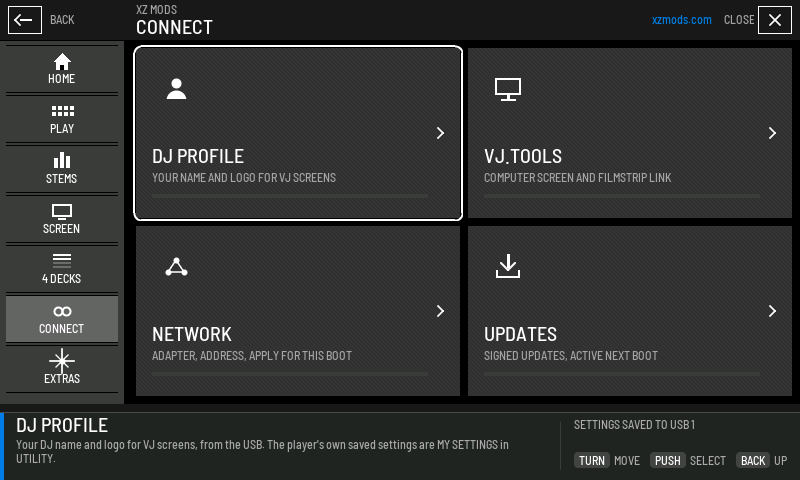 Connect and DJ profilesYour DJ profile on the USB, VJ.Tools, the network and over-the-air updates.
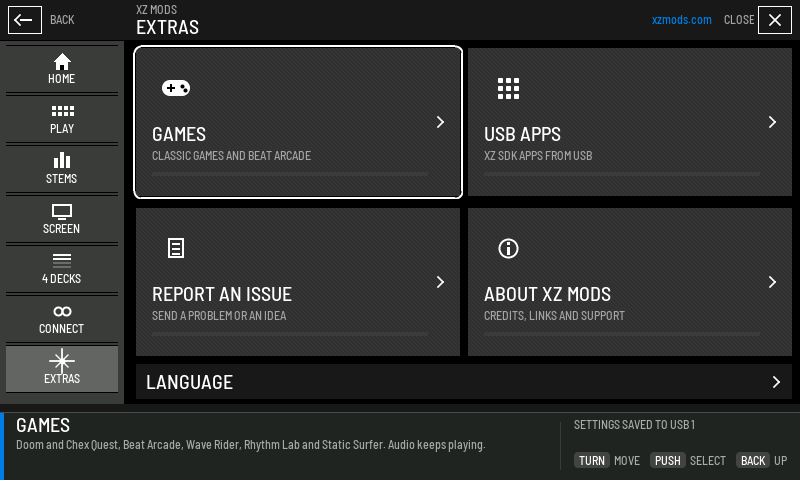 ExtrasGames, USB apps, reporting a problem and the About page.
- On your computer
- Help
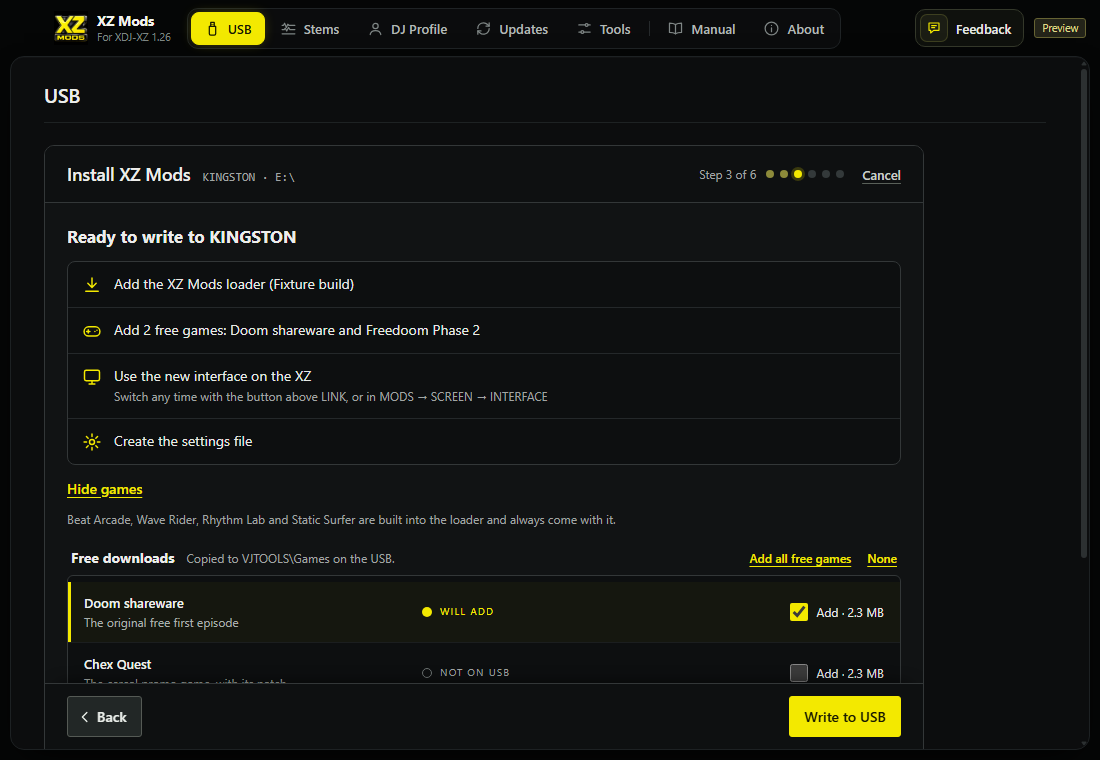 Getting started
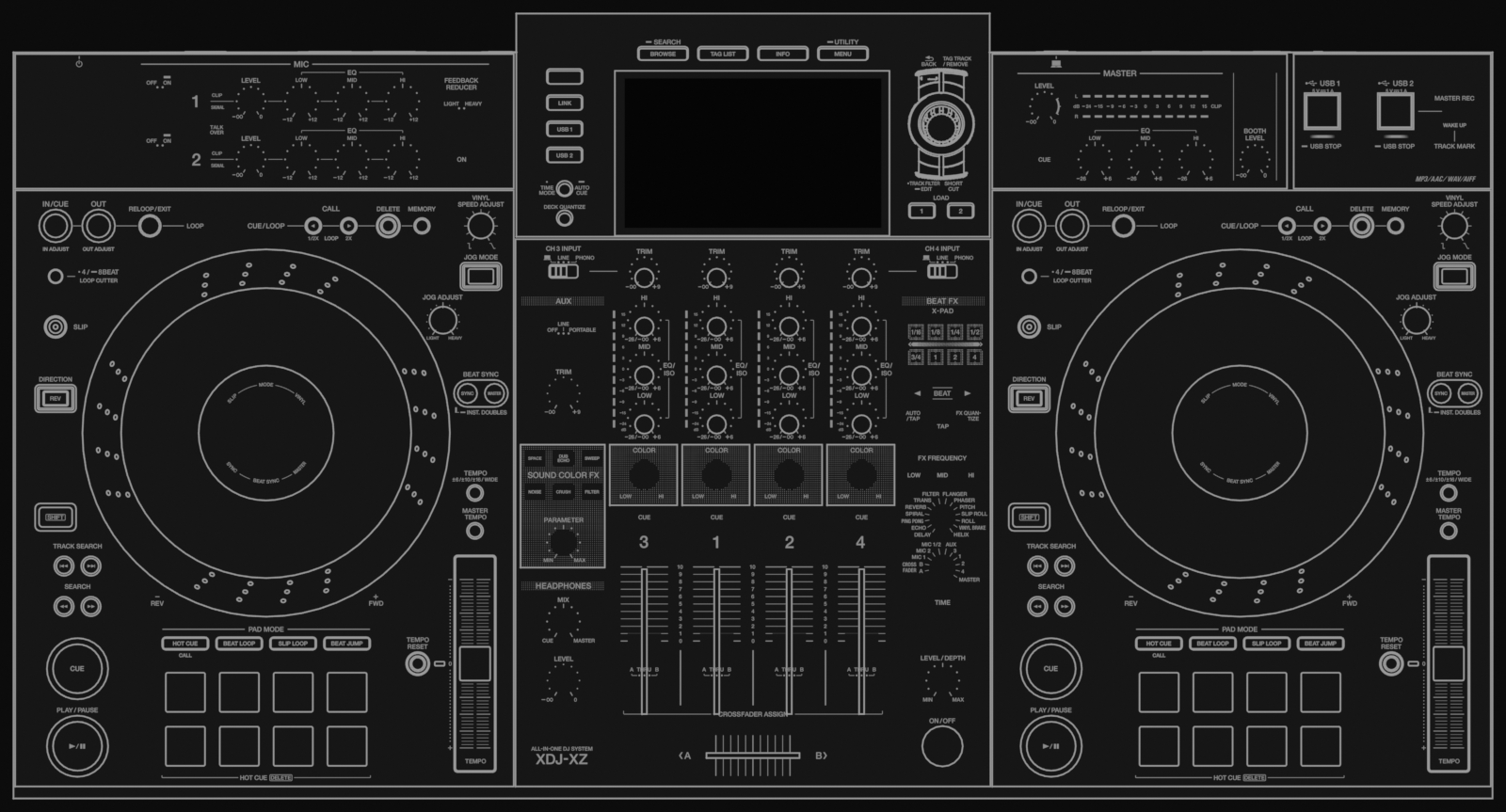 Controls on the player
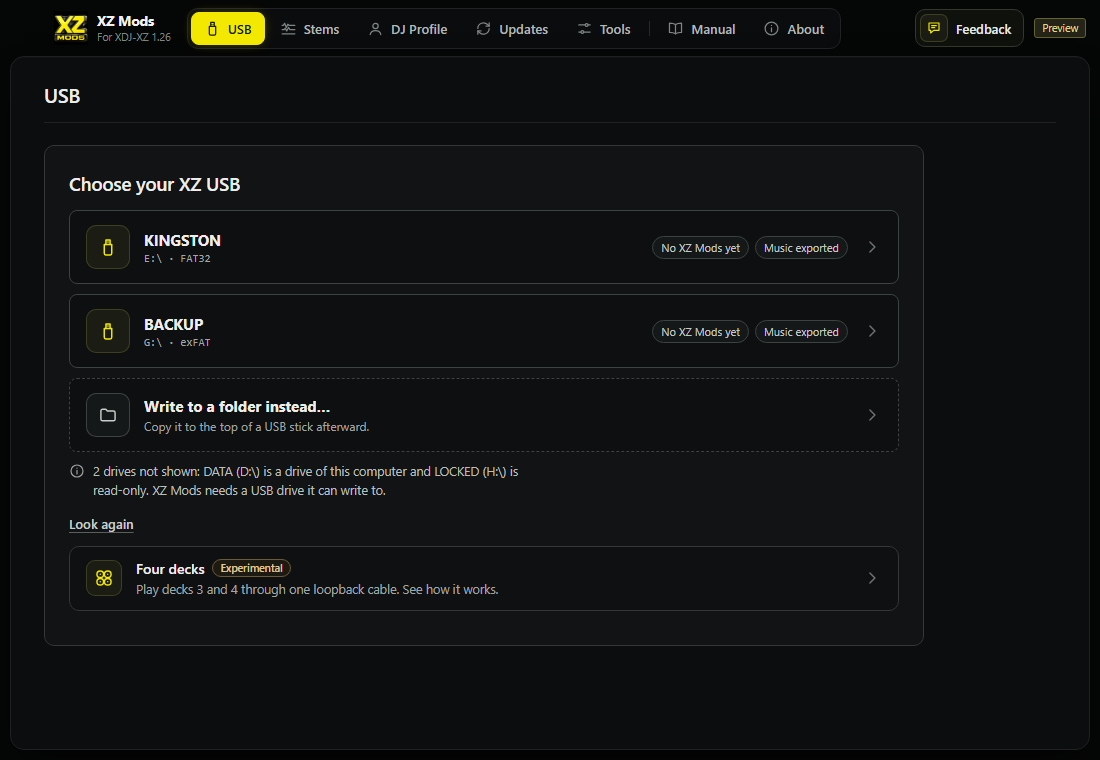 The XZ Mods app
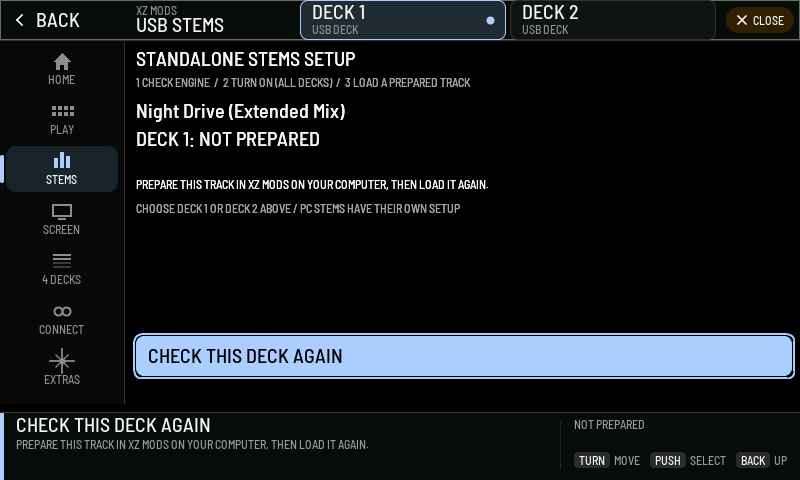 Messages and troubleshooting